


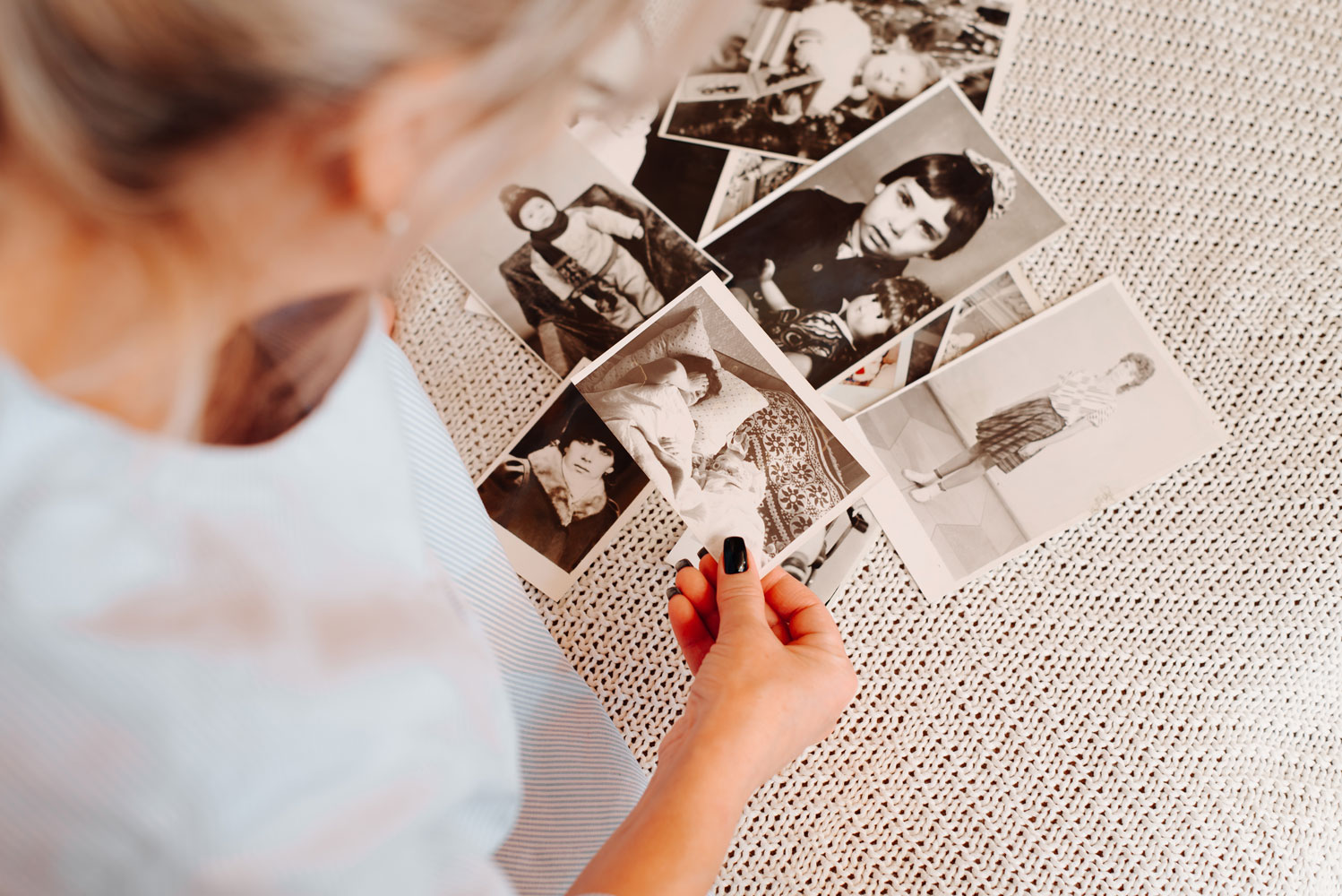
Photo restoration is the process of taking an old, damaged, or faded photograph and bringing it back to clarity and color. Whether your photo has scratches, blur, fading, or missing details, restoration can recover what time has worn away and make it look stunning again.
The good news? Restoration has become incredibly accessible. You don’t need expensive software or years of training anymore. Modern tools can handle most restoration jobs quickly, and the results are often good enough to frame and display proudly.
Let’s walk through what photo restoration actually does, how it works, and when you should consider handling it yourself versus bringing in a professional.
What Photo Restoration Actually Fixes
Photo restoration addresses specific types of damage that happen to old photographs over time. Here’s what typically gets restored:
- Scratches and cracks. Physical damage from handling, storage, or age. These appear as lines or marks across the image.
- Fading. Colors washing out, especially in older color prints. The image looks washed out or yellowed.
- Blur and loss of detail. Soft focus or missing clarity that makes the photo look less sharp than it should be.
- Stains and spots. Marks from water damage, mold, dust, or deterioration over decades.
- Black and white to color conversion. Colorizing old black and white photos so they feel more alive and present.
The goal is always the same: make the photo look like it did when it was first taken, or even better than the original by enhancing what was always there but faded over time.
How Modern Photo Restoration Works
Today’s restoration tools use artificial intelligence to do the heavy lifting. Instead of manually editing every scratch and fade by hand (which takes hours), AI can analyze the entire photo and fix common damage automatically.
Here’s the basic flow:
- You upload your old photo to a restoration tool or app.
- The AI scans the image and identifies damage patterns: scratches, blur, color loss, etc.
- The tool automatically removes or reduces the damage, often in just a few seconds.
- You review the result and download the restored version.
The whole process can take less than a minute. Some tools let you adjust the intensity of the restoration or touch up specific areas, but for many photos, the automatic fix is ready to go right away.
This is completely different from the manual photo editing that used to require Photoshop expertise. You don’t need to be a designer or photographer to get great results.
Related: Party Photo Booth Rental: A Complete Guide
Free vs. Professional Photo Restoration
You have two main paths: DIY restoration with free or low-cost online tools, or hiring a professional photographer or restoration specialist.
Free and low-cost options work well for photos with moderate damage. If your photo has scratches, fading, or slight blur, an AI restoration tool can often handle it in seconds. No software to download, no learning curve. Many platforms offer free restoration with the option to pay for higher resolution downloads or advanced features.
Professional restoration makes sense when:
- Your photo has severe damage (large tears, heavy water damage, significant deterioration).
- You need the highest possible quality for printing, framing, or archival purposes.
- The photo is irreplaceable and you want expert hands on it.
- You want colorization done carefully and accurately.
- You need the work done quickly and want someone to handle all the details.
If you have family photos that matter deeply to you, Mountain View Photo, LLC offers professional photo restoration services. A trained photographer can do what AI can’t always accomplish: understand the context of the image, restore fine details with care, and deliver results that feel authentic to the original moment.
When to Use AI Restoration Tools Yourself
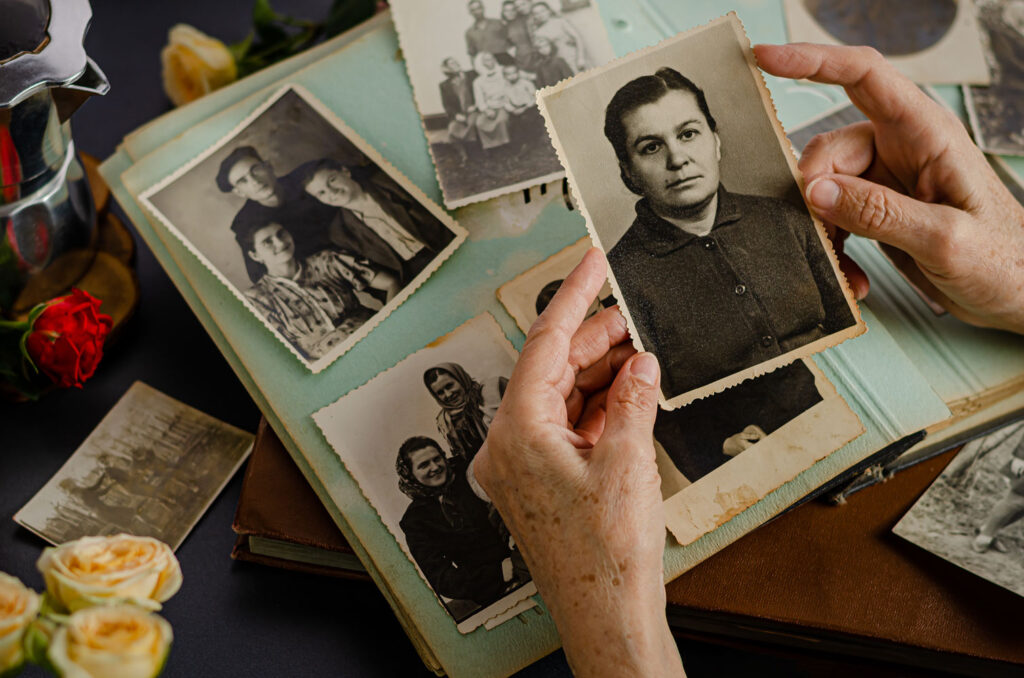
If you want to try restoring a photo on your own, AI tools make it genuinely simple. You’re a good candidate for DIY restoration if:
- The photo has light to moderate damage (scratches, fading, dust spots).
- You’re working with a photo that’s not irreplaceable or emotionally priceless.
- You want quick results and don’t need professional-grade output.
- You’re experimenting or testing before investing in professional work.
The user experience is really straightforward. Upload, wait a few seconds, download. Most tools have intuitive interfaces that require zero technical knowledge. Even if you’ve never edited a photo before, you can do this.
The results are often impressive. You’ll see scratches disappear, colors brighten, and details sharpen. For everyday photos, this is usually enough to make you happy.
Tips for Best Restoration Results
Start with the highest quality scan or image you have. If you’re working from a physical photo, scan it at a high resolution (at least 300 DPI if possible). Better input = better output.
Use good lighting when you scan. Even lighting across the whole photo makes restoration easier and more accurate.
Try the automatic restoration first. Most tools can handle the job without you tweaking settings. If you don’t like the result, adjust and try again.
Be realistic about what’s possible. If half the photo is missing, restoration can’t recreate what isn’t there. But it can enhance what remains.
Keep the original file. Always save your original photo separately. Use restoration on a copy so you never lose the original.
Test colorization carefully. Black and white to color conversion can look great, but it’s also making assumptions about the original colors. Review the result and make sure it feels authentic to you.
Common Photo Damage and How to Handle It
Scratches and creases: These are scratch removal specialists. AI tools handle them almost instantly. Severity doesn’t matter much; light scratches and deep creases usually disappear equally well.
Faded or yellowed colors: Color enhancement is built into most restoration tools. The AI will automatically brighten washed-out colors and correct yellowing from aging or storage.
Blur or soft focus: Blur reduction can sharpen up soft photos, but it has limits. If the original photo was out of focus or shot with a slow shutter speed, restoration can only improve it so much.
Water damage or staining: Spots and stains are often removed automatically. Severe water damage might need professional help to restore detail loss.
Missing sections or tears: This is where restoration hits its limits. AI can’t create photo content that was never there. A professional might be able to blend or reconstruct missing areas, but it requires manual work and artistic judgment.
Why Professional Restoration Still Matters
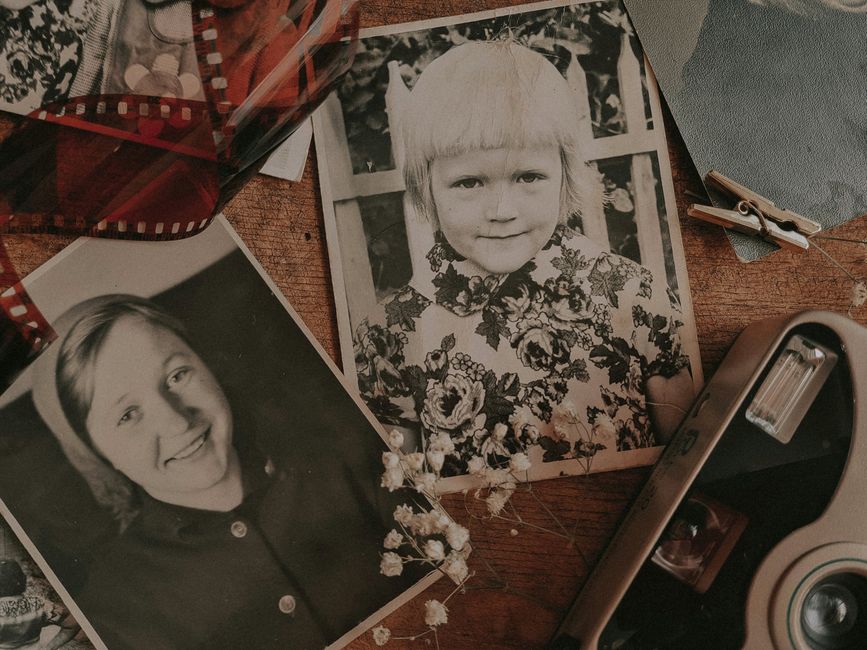
AI restoration is amazing for quick, accessible results. But there are moments when a human touch makes a real difference.
A professional photographer understands composition, lighting, and the emotional intent of a photograph in ways AI doesn’t. They can make judgment calls about colorization that feel true to the era and the people in the photo. They can handle edge cases and unusual damage. And they bring decades of experience to every restoration job.
Plus, if something goes wrong with a professional restoration, you have someone to talk to and adjust with. With AI, you’re working alone if the result isn’t what you hoped.
For family photos that capture irreplaceable moments, especially photos of people you love or historical images, professional restoration is often worth the investment. Mountain View Photo, LLC brings that professional care to photo restoration, treating your memories with the respect and skill they deserve.
Related: Photo Restoration in Littleton: Bring Old Photos Back to Life
Next Steps: Preserving Your Restored Photos
Once you’ve restored a photo, protect your work.
Save the restored digital file in a safe place (cloud storage, external hard drive, or both). Make multiple backups so you never lose it again.
Consider printing and framing the restored photo. Digital files are great, but a physical print on your wall is how you actually live with and enjoy these memories every day.
Think about your whole photo archive. If you have dozens of old photos that need restoration, tackling them one by one with AI tools might take a while. That’s another good reason to consider professional help; Mountain View Photo, LLC can handle multiple restorations and deliver them ready to frame.
Is photo restoration worth doing?
Yes. Old photos are irreplaceable. If a photo matters to you, restoration brings it back to life and makes it something you’ll actually display and share again. Whether you do it yourself or hire a professional, restoration is almost always worth the small time or money investment.
Can you restore a photo that’s missing parts?
Partially. AI tools can enhance what’s there and make damaged areas less noticeable, but they can’t recreate details that are completely missing. Professional restoration might be able to blend or reconstruct missing sections artistically, but the result will always involve some interpretation or artistic choice.
How long does photo restoration take?
With AI tools, seconds to minutes. With professional restoration, it depends on the scope and complexity, but typically a few days to a couple of weeks. If you’re restoring multiple photos, batching them together can speed up the process.
What format should I use for restored photos?
Save your restored photo as a high-quality file (JPEG or PNG). If you plan to edit it further or make prints, TIFF format preserves the most detail. For sharing online or storing, JPEG is fine and takes up less space. Always keep the original file separate so you can go back to it if needed.